Free and open source
A real terminal, on your PS5.
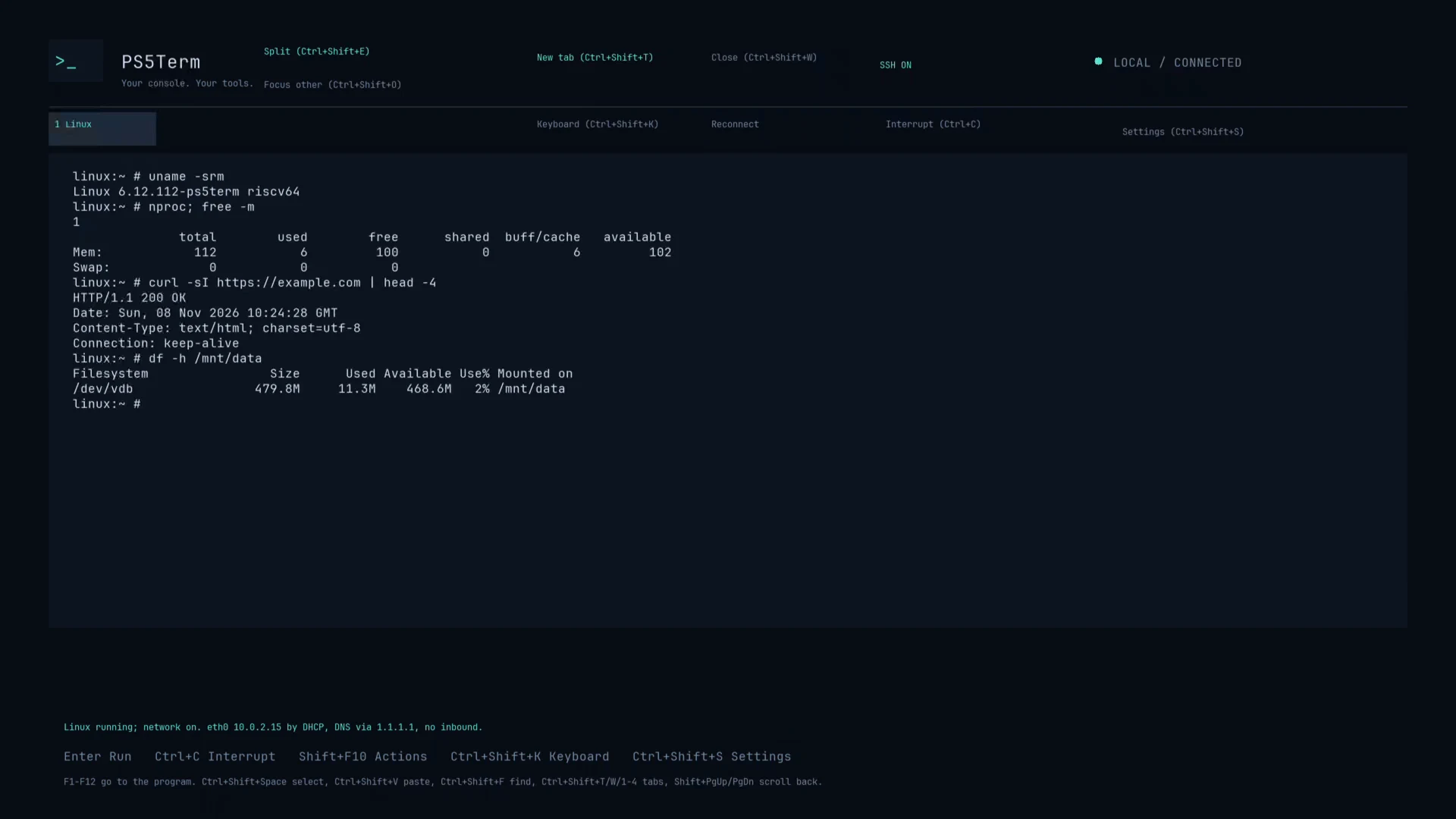
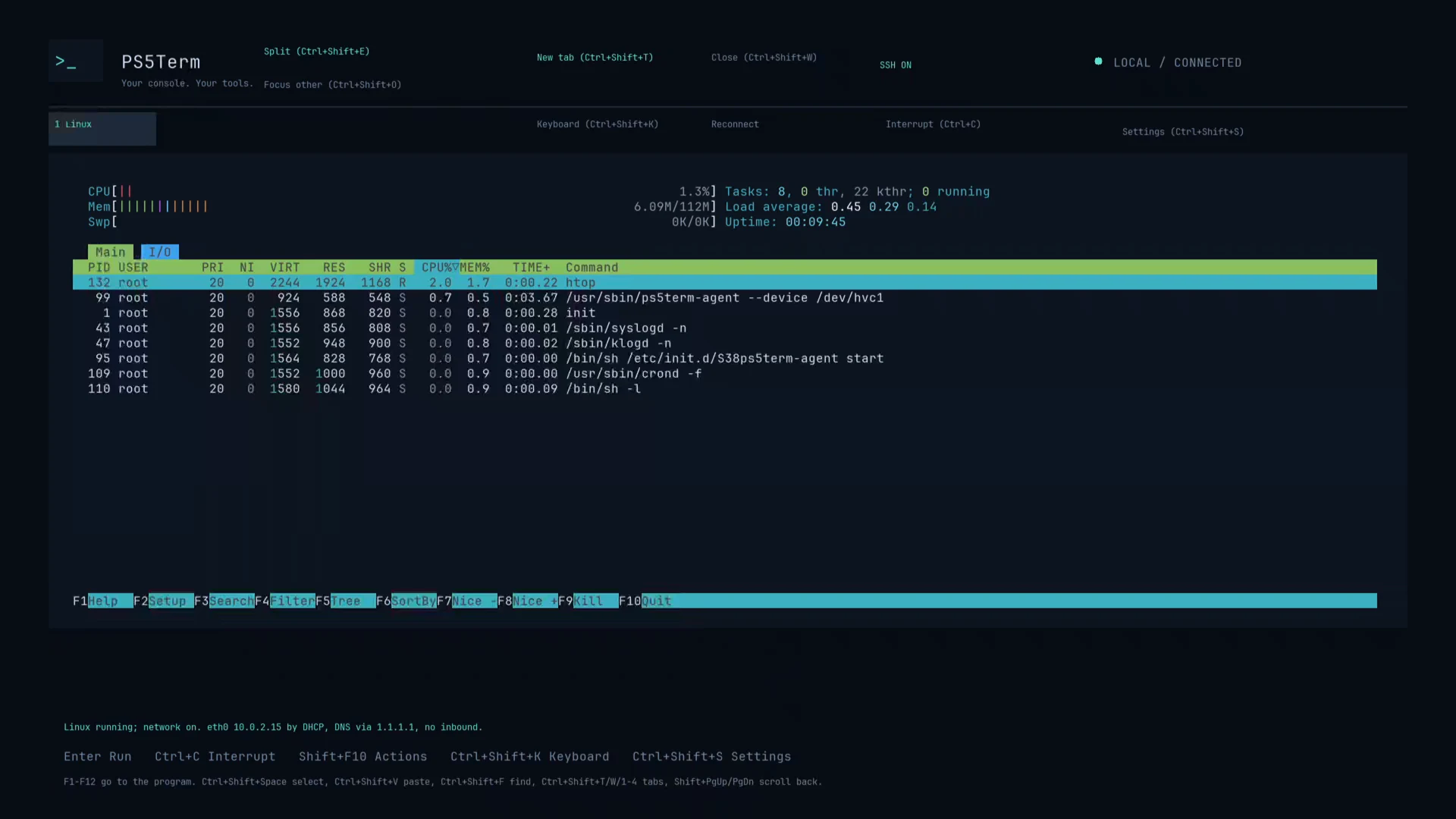
PS5Term runs on the console's own screen: a native shell for the PS5's files, a real Linux shell with curl, nano, tmux and htop, and SSH and SFTP from your computer. Use a keyboard, a mouse or just the controller.
For a jailbroken PS5 with a homebrew launcher. Tested on firmware 13.60.
- 2 shells: native and Linux
- 3 ways to drive it: keyboard, mouse, controller
- 1 SSH and SFTP server built in
- 0 cost: free and open source
What it does
Your console, with a command line
Everything runs inside the app. No payload to send, no separate SSH server and no computer needed to use it.
A real Linux shell
- RISC-V Linux 6.12 with BusyBox, curl with HTTPS, nano, tmux, htop, jq and less.
- Files in /mnt/data stay between starts; add Alpine and its apk packages.
- The PS5's own files are at /mnt/ps5. Internet goes out through the app; nothing can connect in.
Guide
Get started in three steps
-
1
Download and copy
Download the ZIP from the latest release and copy the FAKE99260 folder in it to /data/homebrew/FAKE99260 on the console, for example with PS5Upload.
-
2
Open PS5Term
Launch it from your homebrew launcher. The built-in shell is ready; type help.
-
3
Turn on what you need
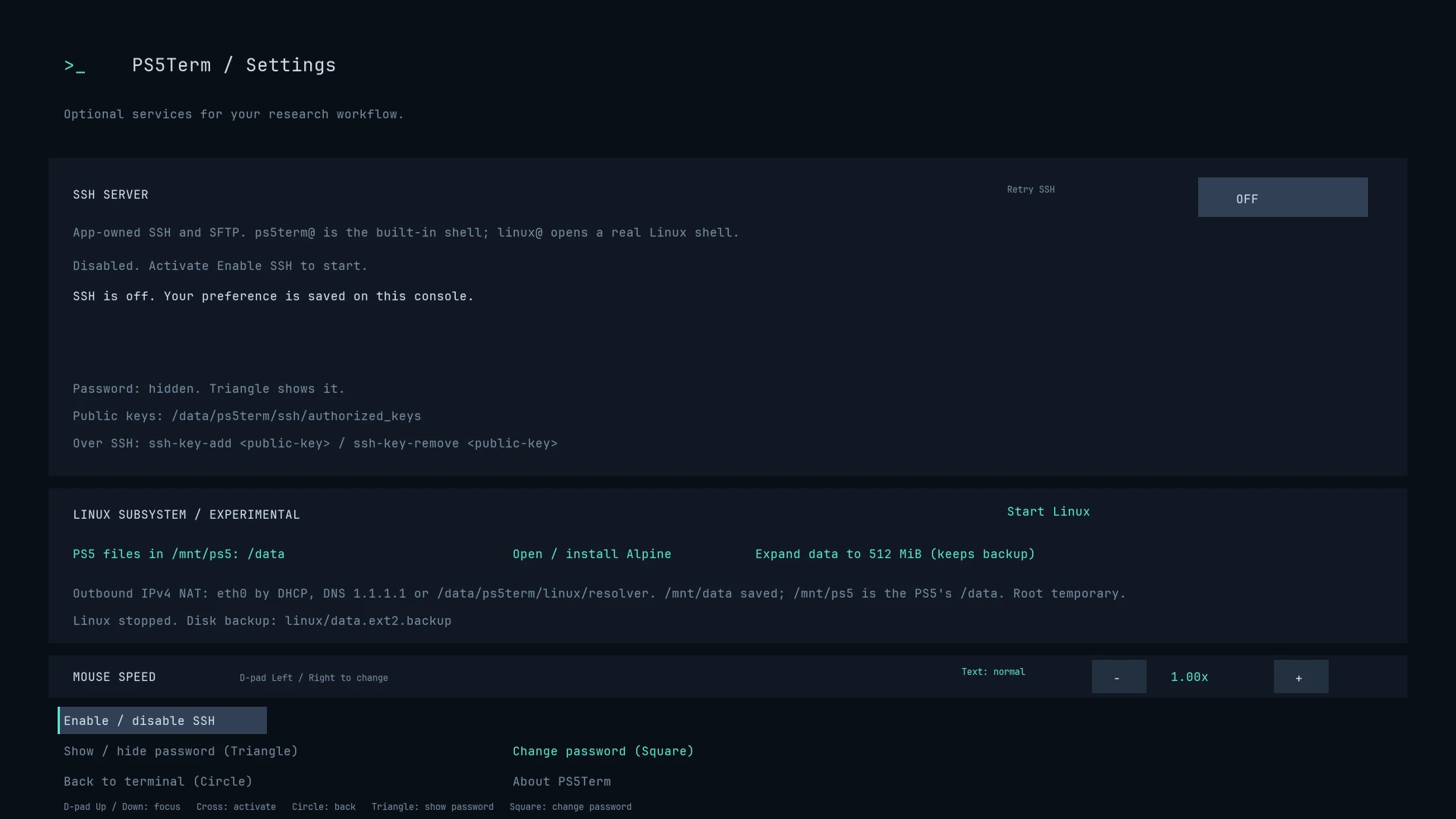
Open Settings (Options on the controller) to start Linux or switch on SSH. Settings shows the password and the exact command to connect.
From your computer
SSH and SFTP on port 2222
Both logins use the password shown in Settings, or your own public key. Replace the address with your console's.
A Linux shell
Starts Linux if it isn't running. Works with full-screen programs and terminal apps such as Ghostty and Warp.
ssh -p 2222 linux@192.168.1.50The native shell
The PS5's own files and system commands.
command ssh -T -p 2222 ps5term@192.168.1.50File transfer
Any SFTP client works, starting in /data.
sftp -P 2222 ps5term@192.168.1.50Controls
Keyboard, mouse or controller
Use whichever you have. The hints on screen name the keys of what you used last.
Keyboard
Type as usual. Shift+F10 opens the actions menu, Ctrl+Shift+S Settings. In a Linux program every F-key belongs to the program.
Mouse
Click any button or on-screen key, drag to select, right-click for the menu and middle-click to paste.
Controller
Triangle opens the on-screen keyboard, R2 runs, L3 opens actions and Options Settings. Its keyboard has Esc, Tab, Ctrl, arrows and F1–F10.
Credits
Built on other people's work
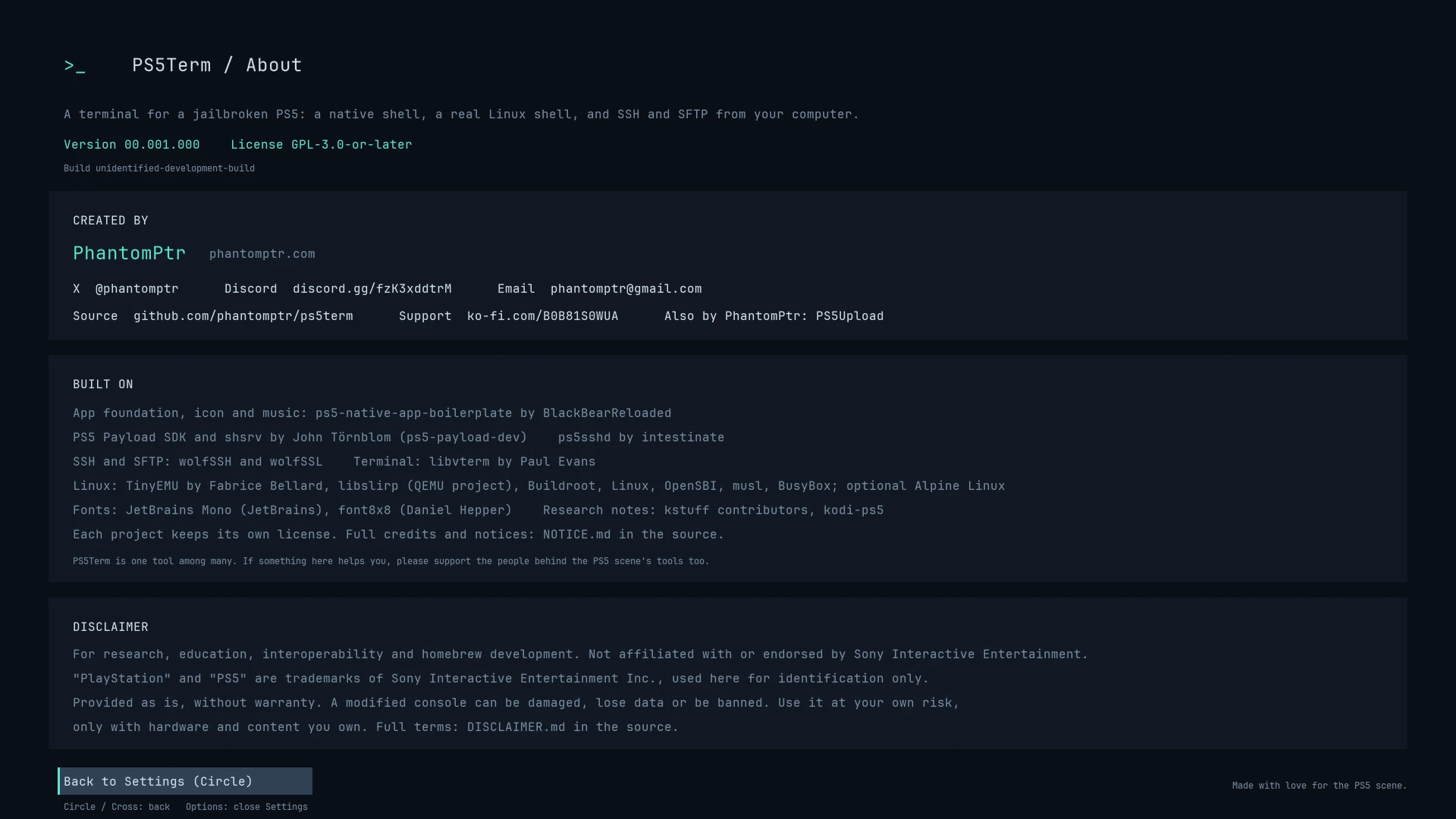
Thank you to everyone behind these projects. Each keeps its own license; the full list is in the README and NOTICE.md.
- ps5-native-app-boilerplate — BlackBearReloaded
- PS5 Payload SDK, shsrv — John Törnblom
- ps5sshd — intestinate
- wolfSSH, wolfSSL — wolfSSL Inc.
- libvterm — Paul Evans
- TinyEMU — Fabrice Bellard
- libslirp — the QEMU project
- Buildroot, Linux, OpenSBI, musl, BusyBox, Alpine Linux
- JetBrains Mono — JetBrains · font8x8 — Daniel Hepper
PS5Term is one tool among many. If something here helps you, please support the people behind the PS5 scene's tools too.
Disclaimer
PS5Term is for research, education, interoperability and homebrew development. It is not affiliated with or endorsed by Sony Interactive Entertainment. It is provided as is, without warranty: a modified console can be damaged, lose data or be banned, and the SSH server opens a port on your network. Use it at your own risk, only with hardware and content you own.
Thank you
PS5Term is free. A coffee for me, or tokens for the AI that writes the code, keeps it going.
☕ Ko-fi
Card or PayPal, once or monthly.
Crypto
Addresses and QR codes are on PS5Upload's site; it's the same wallet.
Discord
Questions, reports from other firmware and ideas are welcome.
Also by PhantomPtr: PS5Upload, to send games, apps and homebrew to your PS5 and play it from any screen.